728x90
반응형
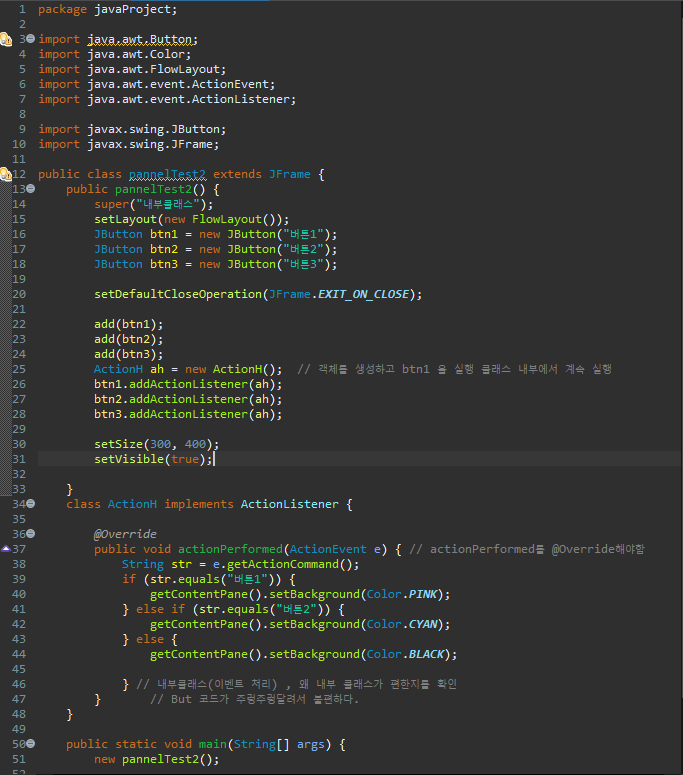
package javaProject;

import java.awt.Button;
import java.awt.Color;
import java.awt.FlowLayout;
import java.awt.event.ActionEvent;
import java.awt.event.ActionListener;

import javax.swing.JButton;
import javax.swing.JFrame;

public class pannelTest2 extends JFrame {
	public pannelTest2() {
		super("내부클래스");
		setLayout(new FlowLayout());
		JButton btn1 = new JButton("버튼1");
		JButton btn2 = new JButton("버튼2");
		JButton btn3 = new JButton("버튼3");

		setDefaultCloseOperation(JFrame.EXIT_ON_CLOSE);

		add(btn1);
		add(btn2);
		add(btn3);
		ActionH ah = new ActionH();  // 객체를 생성하고 btn1 을 실행 클래스 내부에서 계속 실행
		btn1.addActionListener(ah);
		btn2.addActionListener(ah);
		btn3.addActionListener(ah);

		setSize(300, 400);
		setVisible(true);

	}
	class ActionH implements ActionListener {

		@Override
		public void actionPerformed(ActionEvent e) { // actionPerformed를 @Override해야함
			String str = e.getActionCommand();
			if (str.equals("버튼1")) {
				getContentPane().setBackground(Color.PINK);
			} else if (str.equals("버튼2")) {
				getContentPane().setBackground(Color.CYAN);
			} else {
				getContentPane().setBackground(Color.BLACK);

			} // 내부클래스(이벤트 처리) , 왜 내부 클래스가 편한지를 확인
		}		// But 코드가 주렁주렁달려서 불편하다.
	}

	public static void main(String[] args) {
		new pannelTest2();

	}

}
728x90
반응형
'Language > Java' 카테고리의 다른 글
| Bank (0) | 2021.04.19 |
|---|---|
| JDBC연결 (0) | 2021.04.19 |
| ItemEvent (0) | 2021.04.19 |
| swing (0) | 2021.04.19 |
| 메소드 확인하는 곳 (0) | 2021.04.19 |
| for - each 문 (0) | 2021.04.12 |